
Keypad Password Door Lock Demo
Arduino5–7 weeks
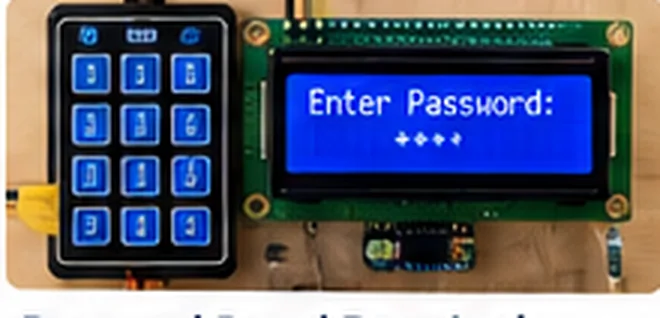
Project Overview
Create a local access-control demonstration with lockout after repeated failures.
Objectives & Learning Outcomes
Key scanning, PIN validation, state machine and timeout handling
Required Hardware
Arduino Uno, 4×4 keypad, servo, LCD, pushbutton
Suggested Build Stages
- Review the components and create a low-voltage wiring plan.
- Assemble the prototype and test each sensor or module individually.
- Implement firmware, display or communications in small verified steps.
- Integrate the modules and document operating states and failures.
- Run validation tests and prepare demonstration documentation.
Testing & Validation
Verify wrong PIN lockout, reset and power-cycle behavior.
Suggested Deliverables
Working demonstration, wiring diagram, commented firmware, test observations, component list, project report outline and presentation outline.
Educational project concept. Verify circuit values, actual component compatibility and safe operating limits before assembly. Illustrations are representative, not exact build photographs.
Project CodeTCS-MCU-108
Duration5–7 weeks
ComponentsArduino Uno, 4x4 keypad, servo, LCD, pushbutton
Software / ToolsArduino IDE or PlatformIO as compatible with controller
DeliverablesPrototype, schematic/wiring diagram, source code, test report, PPT
Skills CoveredKey scanning, PIN validation, state machine and timeout handling