

Laptop Repair
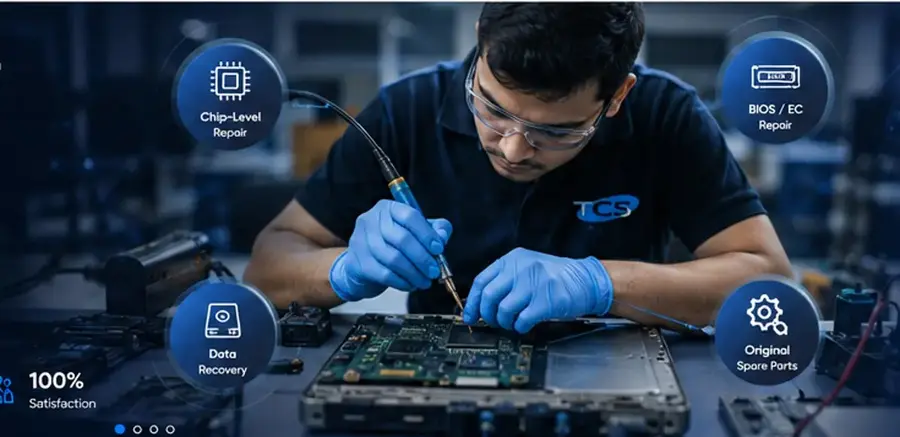
Laptop faults are rarely solved reliably by guessing a part. TCS Pune follows a diagnosis-first process for home, student, gaming and business…
Learn more →Laptop and desktop repair, motherboard chip-level troubleshooting, BIOS solutions, data recovery, upgrades, AMC and CCTV support — with repair status tracking.
Fill the form and our team will call you back within working hours with a free diagnosis estimate. No payment required to book.
Prefer to call? 02025468668
From device diagnostics and board-level work to data recovery and CCTV support, each job follows a clear technical workflow.
From everyday device faults to advanced board diagnosis, TCS Pune follows a clear workshop process.
Laptop faults are rarely solved reliably by guessing a part. TCS Pune follows a diagnosis-first process for home, student, gaming and business…
Learn more →
Desktop diagnosis, component replacement, Windows troubleshooting, storage upgrades and performance repair.
Learn more →
Board-level fault finding, short-circuit tracing, power-rail diagnosis, IC replacement and precision soldering.
Learn more →
BIOS recovery and programming, firmware backup/verification, EC/ME troubleshooting and boot-failure diagnosis.
Learn more →
Assessment and recovery support for HDD, SSD, external drives and inaccessible or accidentally deleted files.
Learn more →
Screen, keyboard, battery, fan, hinge, charging jack and other laptop component replacement services.
Learn more →Technical support is only one part of growing a modern business. TCS Pune also provides practical digital services for visibility, customer acquisition and a stronger online presence.
SEO, paid campaigns, Google Business Profile, content and conversion-focused digital growth for Pune businesses.
Explore service →Structured social media planning, content, publishing, engagement and campaign support for business brands.
Explore service →Responsive WordPress, business, landing-page and WooCommerce development with SEO-ready structure and ongoing support.
Explore service →Clear communication and structured diagnostics help you understand what is happening with your device from intake through final testing.
Start a repair request →Complaint and device details recorded.
Fault isolation and test-point checks.
Approved repair is being completed.
Final test before handover.
A four-step service workflow designed to keep repairs organised and customers informed.
Send device and fault details online or contact us directly.
Technician checks the symptoms and confirms the repair path.
Approved work is completed with the required technical checks.
Final quality checks are completed before the device is handed over.
Check your pincode, select a convenient slot and follow pickup or return-delivery progress from request through OTP-verified handover.
Use the ticket number and mobile number linked to your repair request to see the latest status.
Select the brand and exact model to narrow compatible batteries, chargers, screens, keyboards, SSDs and RAM. Compatibility information stays connected to live TCS inventory, reservations and the spare-parts catalogue.
Browse model-specific repair information, common faults, verified repair cases and technical board-level knowledge from the TCS Pune system.
Illustrated examples of how TCS Pune approaches common faults. These are diagnostic scenarios, not customer-specific verified repair records.
Symptoms: Laptop does not power on, charge LED may be absent, or current draw is abnormal.
Typical checks: Adapter and DC-in path, input MOSFETs, short-to-ground checks, 3V/5V always rails, EC/BIOS power sequence.
Book diagnosis →Symptoms: Power LED and fan activity are present but the internal screen stays black.
Typical checks: RAM, LCD/eDP path, display rails, BIOS/EC state, reset/power-good signals and external display behaviour.
Book diagnosis →
Symptoms: Boot loop, black screen, corrupted firmware or failed BIOS update symptoms.
Typical checks: SPI chip identification, original backup, firmware integrity, ME/EC compatibility, verified program-and-readback.
Book diagnosis →
Symptoms: Battery not charging, adapter detected intermittently, or laptop runs only from one power source.
Typical checks: Adapter ID, DC jack, charger IC, battery communication, charge MOSFETs, current sensing and connector condition.
Book diagnosis →Symptoms: Intermittent power, keyboard faults, charging problems or board corrosion after liquid exposure.
Typical checks: Power isolation, board inspection, corrosion cleanup, resistance checks, damaged components and controlled power-up.
Book diagnosis →Symptoms: Drive not detected, Windows not booting, very slow access or important files becoming inaccessible.
Typical checks: Drive health and detection, read-only imaging where appropriate, interface checks, filesystem assessment and recovery path.
Book diagnosis →